
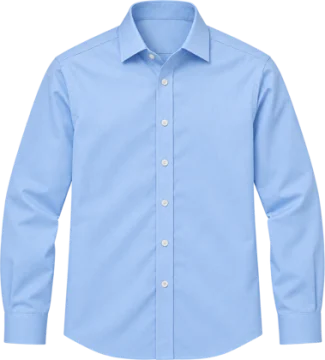
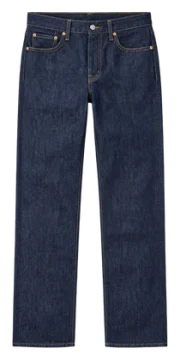
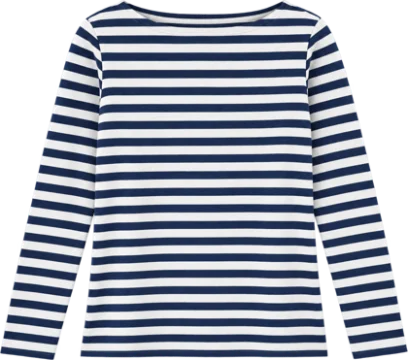
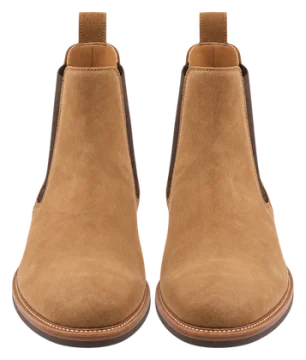
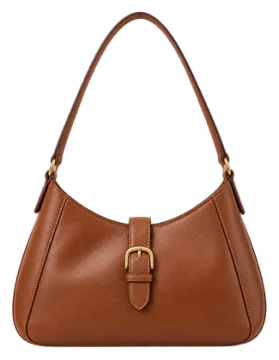
Your wardrobe as stickers
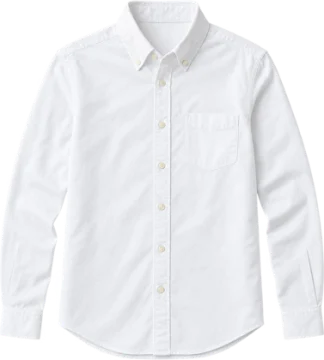
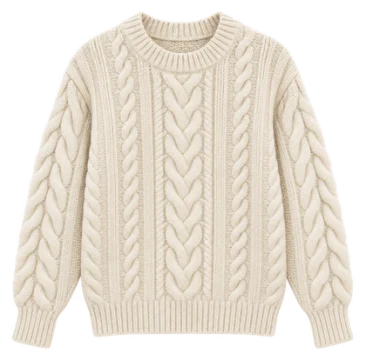
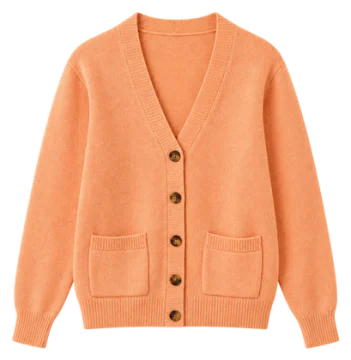
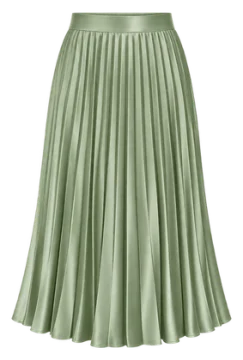
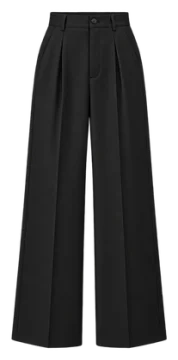
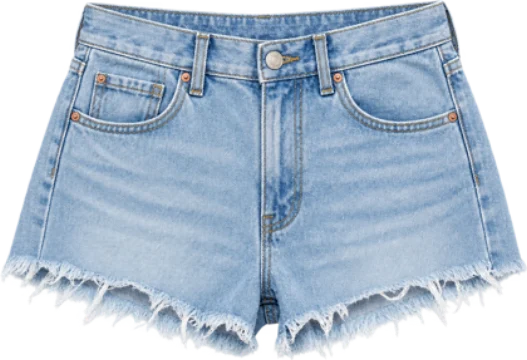
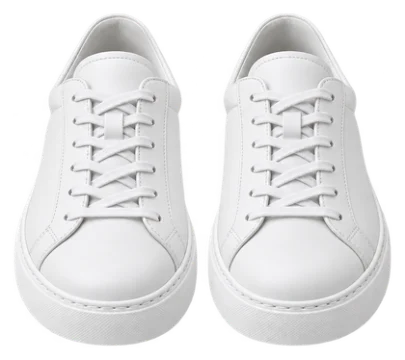
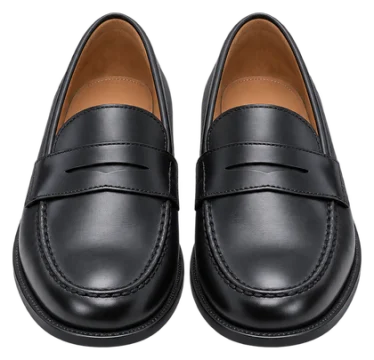
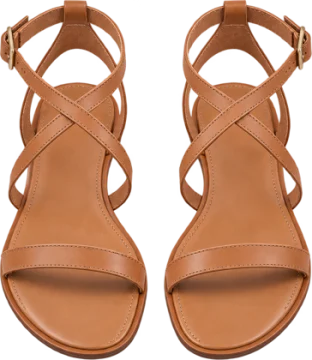
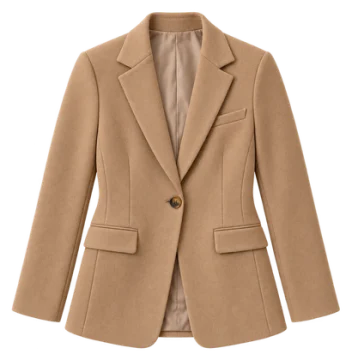
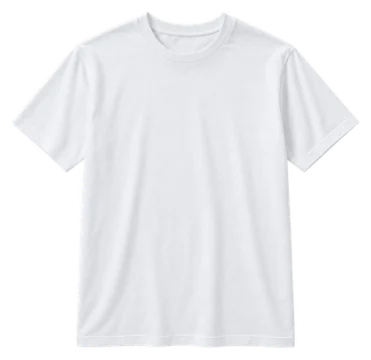
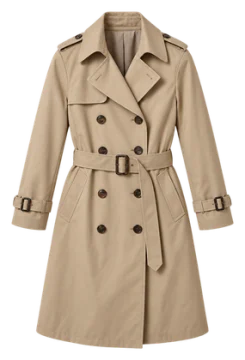
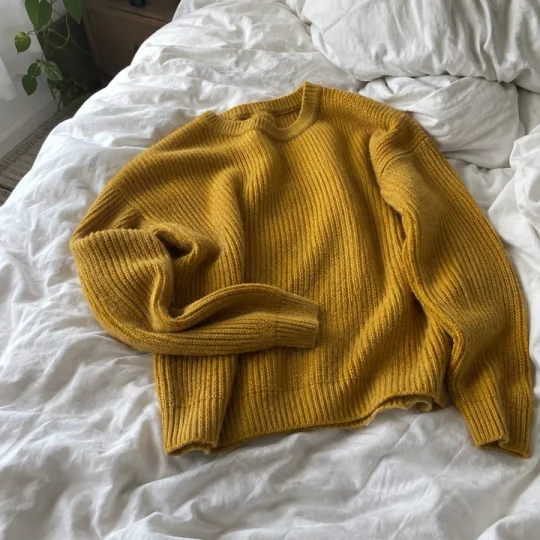
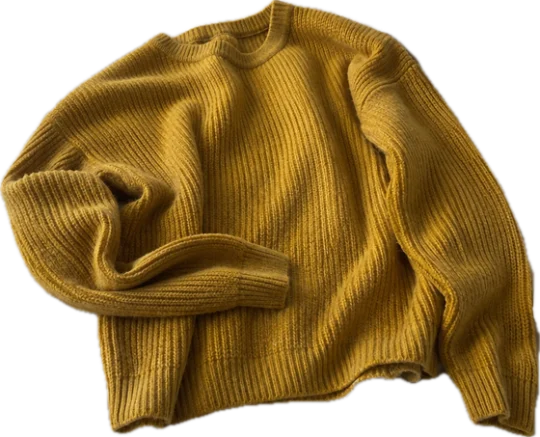
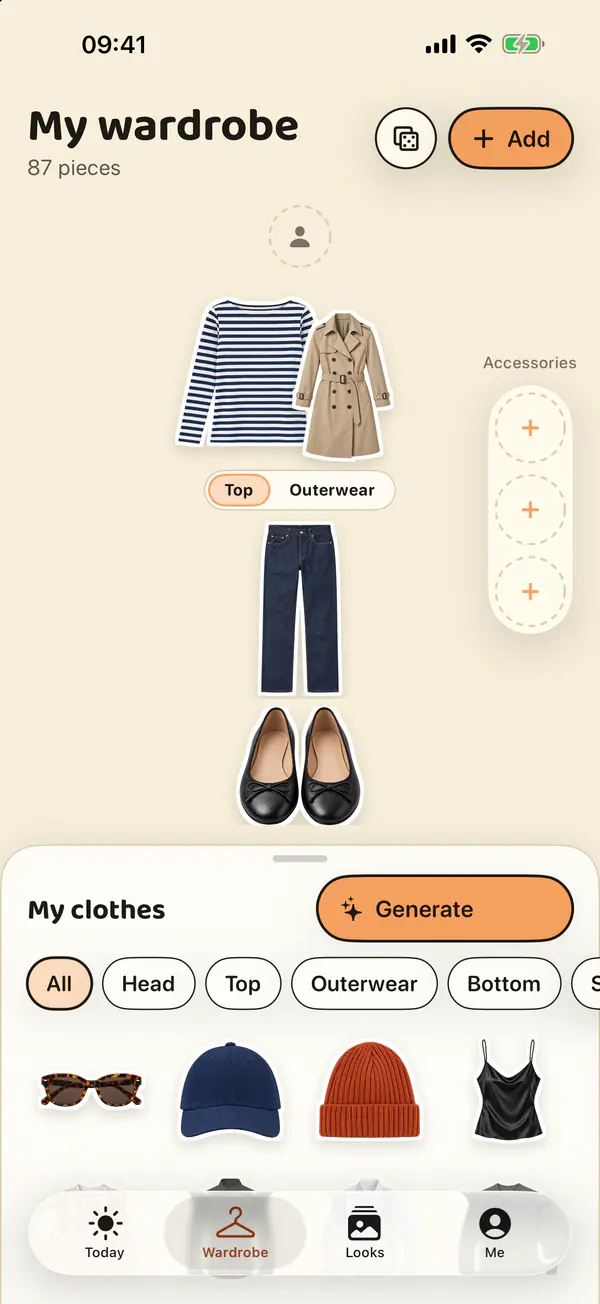
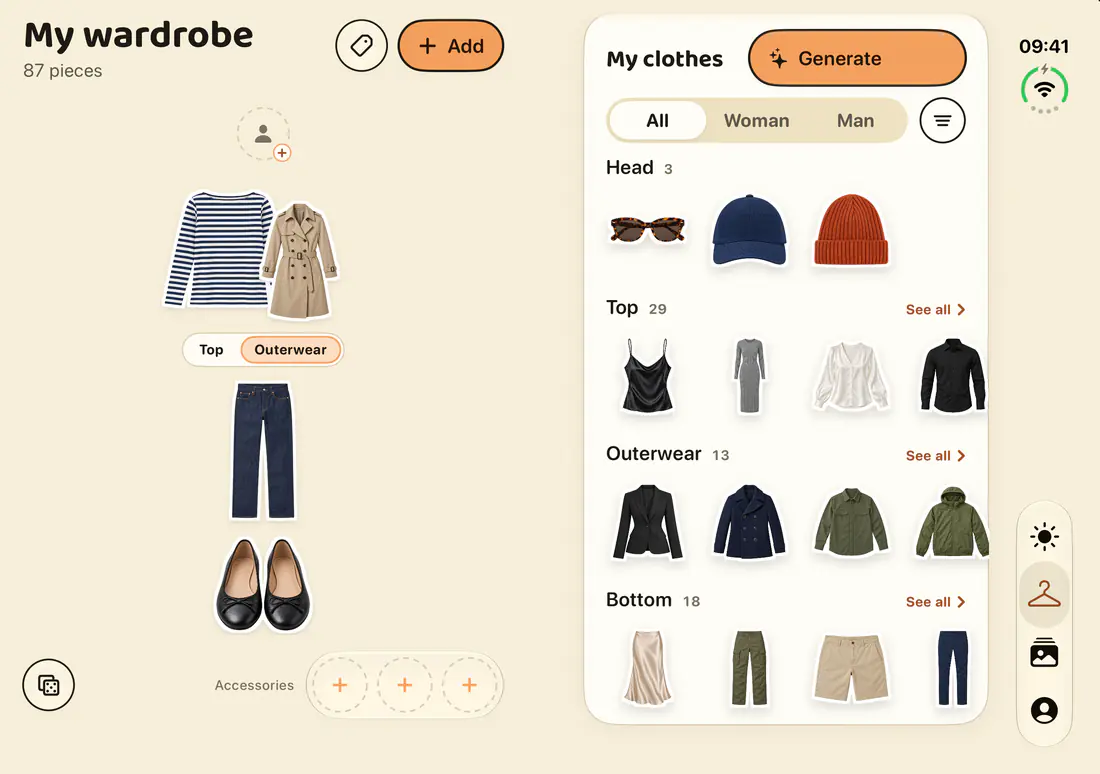
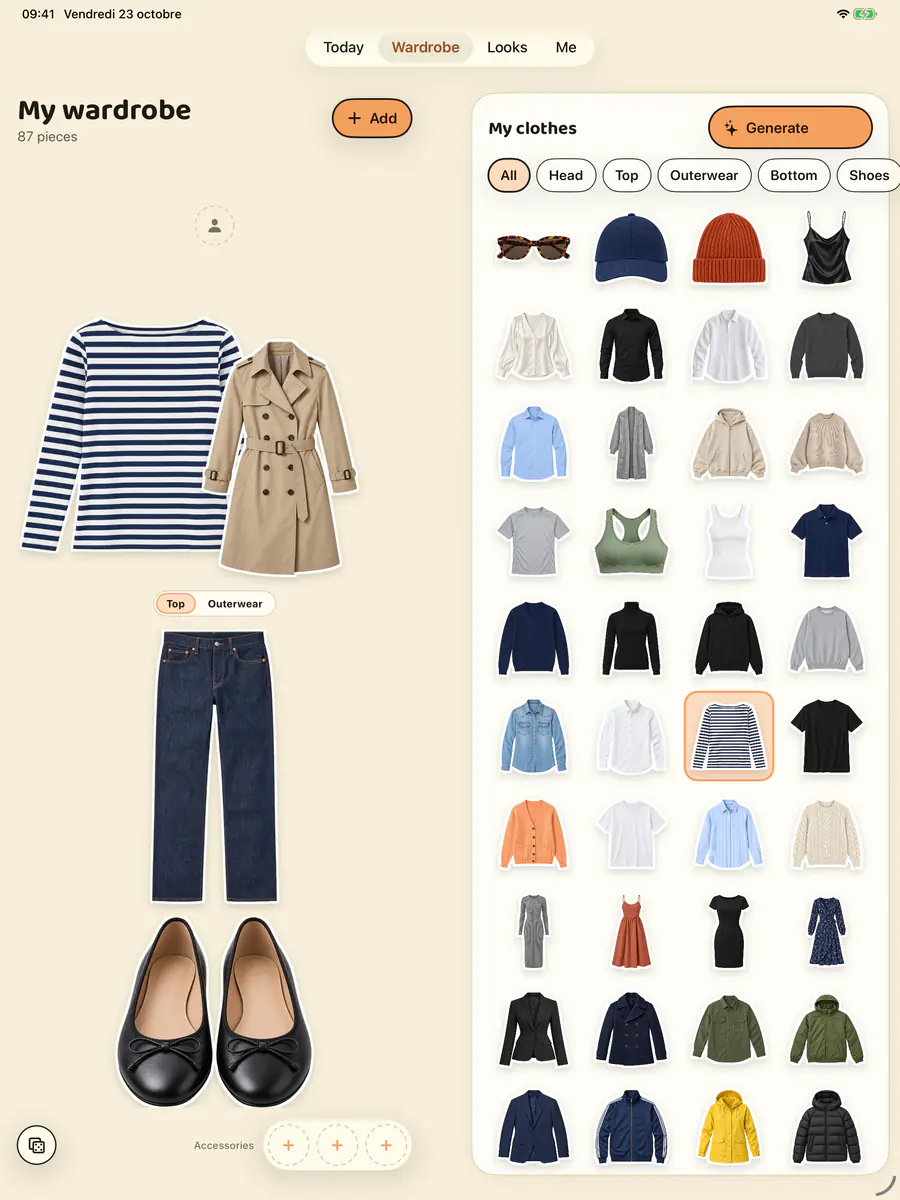
Every item is neatly cut out and filed: head, top, outerwear, bottom, shoes, accessories.
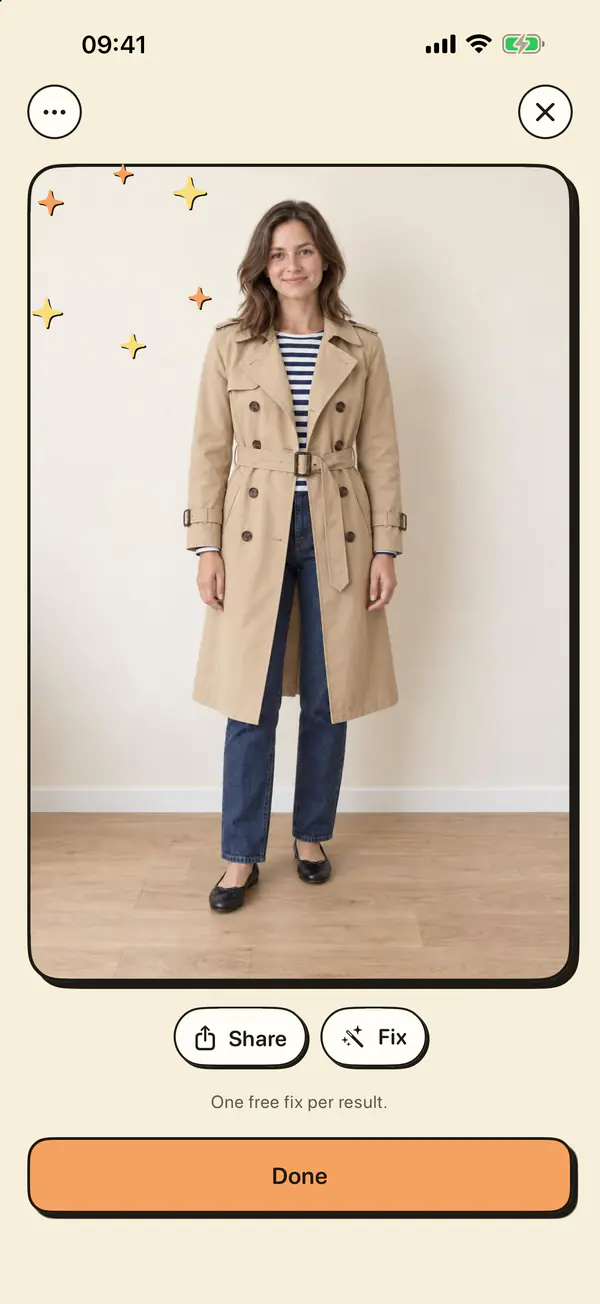
Snap your clothes: Capucine cuts them out and sorts them. Put an outfit together in the fitting room, then see it on you, on your own photo, in about fifteen seconds.
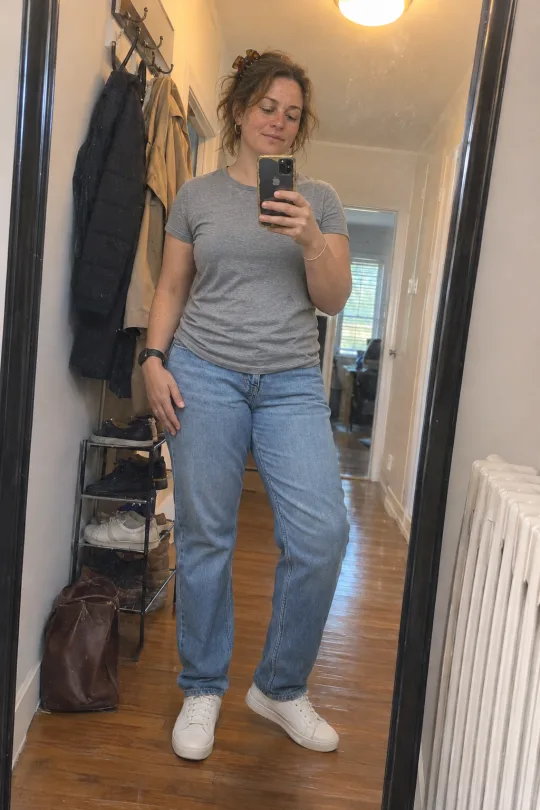
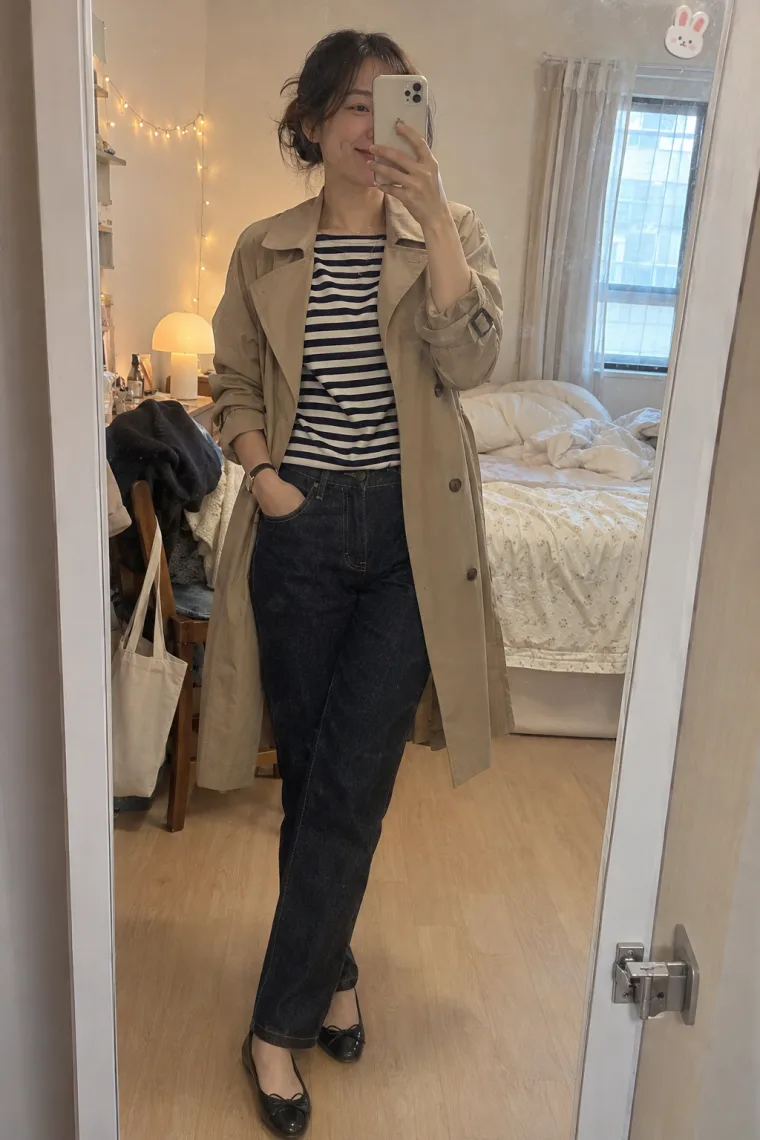
Take a photo of yourself in today’s outfit. Capucine spots each item, cuts it out, redraws what’s hidden and puts it in its place in your fitting room.
In Capucine
A single item, laid flat or on a hanger, or you dressed head to toe: up to 5 pieces per photo.
In about twenty seconds, each piece becomes a cut-out sticker, filed in the right category.
Something to fix? The name and the category can be changed in a tap.
A simple app, made to get dressed fast in the morning and to try things on before you buy or go out.
Every item is neatly cut out and filed: head, top, outerwear, bottom, shoes, accessories.
Swipe each row, put a jacket over your top, and add a bag. Out of ideas? The dice picks an outfit based on today’s weather.
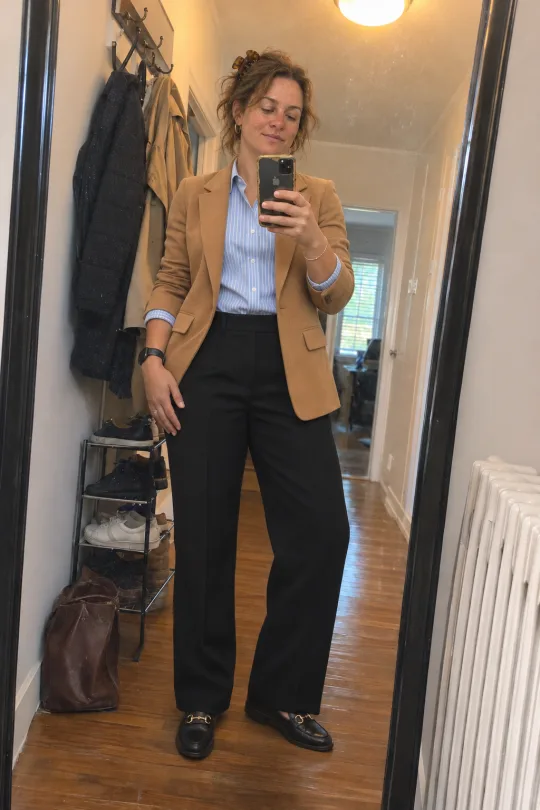
Tap “Generate”: Capucine dresses your own photo in about fifteen seconds, keeping your face and your figure.
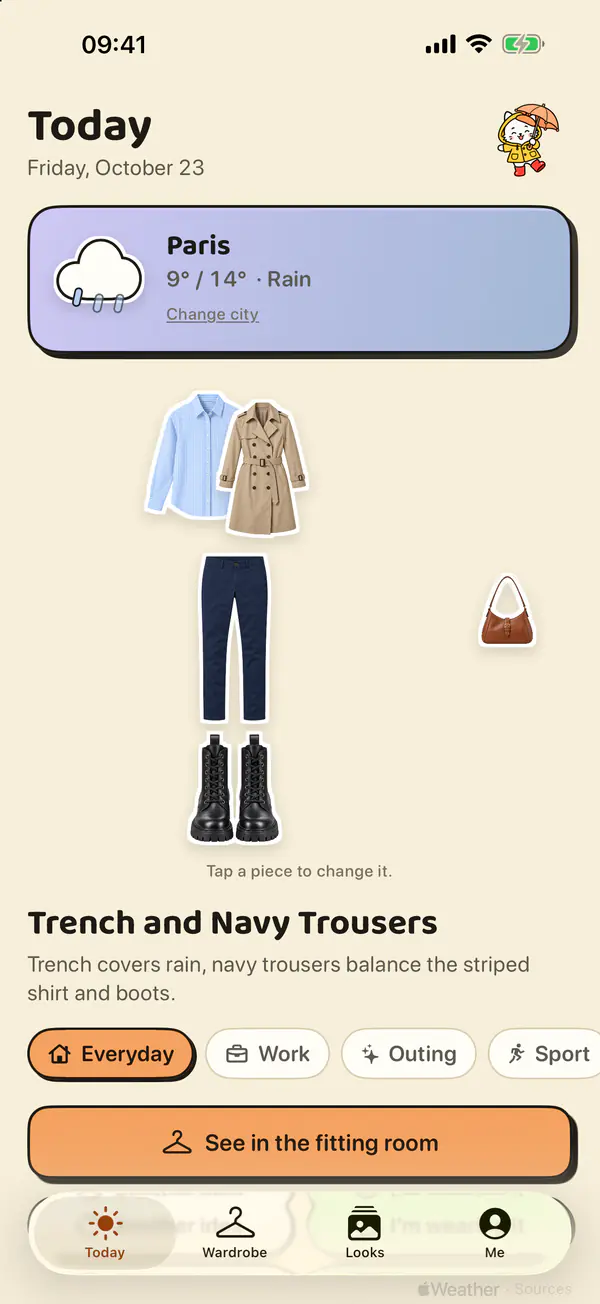
Every day, an outfit put together from your clothes for the weather ahead. Want another idea? One tap.
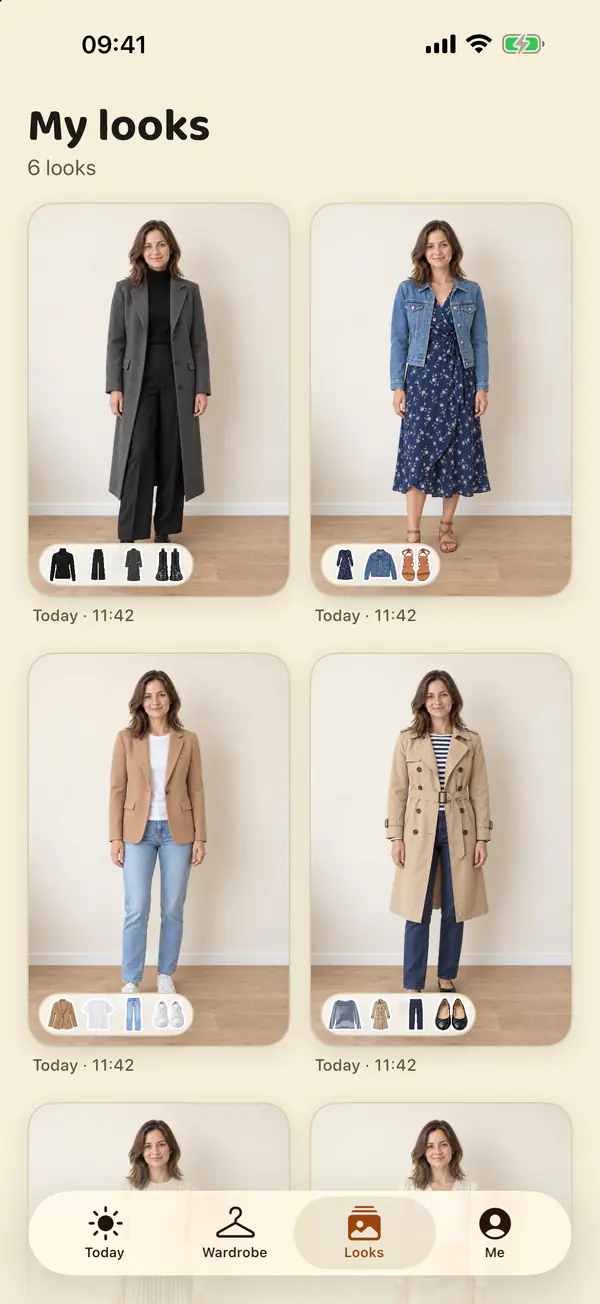
Every try-on lands in your Looks: open it full screen, share it, or send the outfit back to the fitting room.
Capucine’s cat whispers ideas drawn from your wardrobe and the weather.
Capucine adapts its layout to the space it has, from the small iPhone to the big iPad, all the way to the iPhone Duo, folded or open.
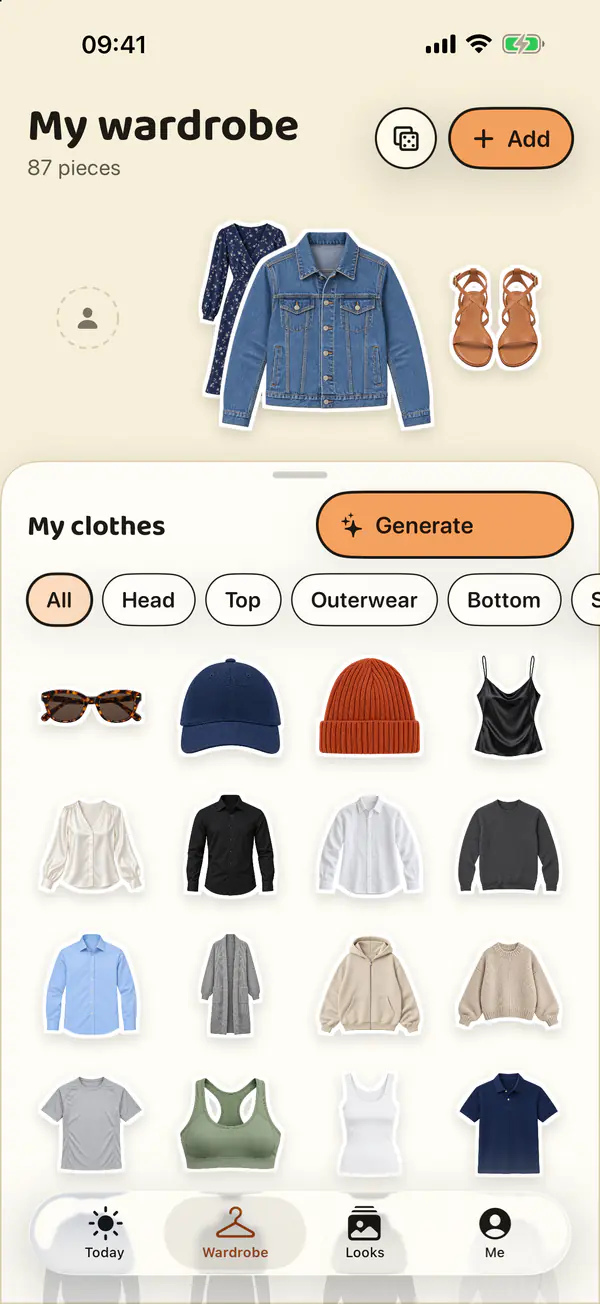
The fitting room on top, your clothes in a sheet you slide up or down with your thumb.
Folded, Capucine fits in one hand. Open, each half of the screen gets a whole block: nothing lands on the fold.
The fitting room and your whole wardrobe side by side: drag a piece from one to the other.
Your wardrobe syncs across all your devices.
Your photos are stored in France, on our servers. For background removal, analysis and virtual try-ons, the necessary images are processed by OpenAI after you agree. You can delete them whenever you want.
Between your iPhone and our servers, everything goes over HTTPS. Your images are never public: every link is signed and expires after a few days.
Your photos are stored on our server in France and on an OVHcloud backup server, also in France. Only the images needed for background removal, analysis or virtual try-ons are sent to OpenAI after you agree.
To cut out or analyse a garment, or dress you, the photo involved goes to OpenAI, with your consent. It isn’t used to train its models; OpenAI keeps it for 30 days at most to detect abuse, then deletes it.
Delete a garment or a look: its images leave our servers. Delete your account from the “Me” tab: everything is erased at once, your photos leave our backups the following night, and you get a deletion reference.
No advertising in the app, no resale of your data. Your photos are never used for advertising; Meta measures our ads only with your consent.
With “Sign in with Apple”, there’s no password to remember, and your email address can stay hidden.
No. Start with a few pieces you wear often, or with a photo of yourself dressed: Capucine pulls up to 5 pieces from it at once. Demo mode also lets you explore the app without a single photo.
A full-length photo, facing the camera, well lit, arms by your sides, ideally in close-fitting clothes. You can keep up to 5 in the “Me” tab, choose one, or try your outfit on all of them at once.
About 15 seconds. You can close the screen in the meantime: the result waits for you in your Looks. “Refine” then makes a sharper version, if you like.
Yes. Capucine is a first name, not a target: the app dresses everyone, and demo mode offers women’s clothes, men’s clothes or both.
Yes. They’re kept in France, never public, and never used to train AI. You can erase everything from the “Me” tab.
Capucine is translated into 45 languages and automatically follows the language of your iPhone or iPad.
iPhone and iPad (iOS 18 or later), with a layout made for iPhone Duo. No Android yet.
Write to contact@capucine.studio. We answer every message.
Download Capucine on your iPhone or iPad: photograph your clothes, compose your outfit in the fitting room and see it on you, in your own photo.
New features, outfit ideas, and behind-the-scenes looks at the app, every week.
App updates, outfit ideas and behind-the-scenes: an email from time to time, never more.
 Français
 English
 Deutsch
 Español
 Italiano
 Português (Brasil)
 Português (Portugal)
 Nederlands
 Svenska
 Dansk
 Norsk
 Suomi
 Polski
 Čeština
 Slovenčina
 Slovenščina
 Magyar
 Română
 Hrvatski
 Ελληνικά
 Türkçe
 Русский
 Українська
 Català
 العربية
 עברית
 हिन्दी
 বাংলাગુજરાતીಕನ್ನಡമലയാളംमराठीଓଡ଼ିଆਪੰਜਾਬੀதமிழ்తెలుగు
 اردو
 Bahasa Indonesia
 Bahasa Melayu
 ไทย
 Tiếng Việt
 简体中文
 繁體中文
 日本語
 한국어